How to play Correct Math
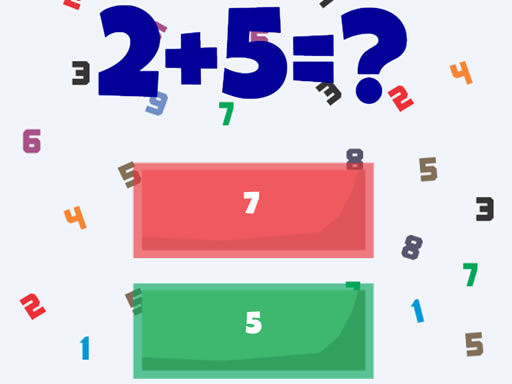
Correct Math is a mathematical game where you can test your knowledge in addition and subtraction of numbers. You will be offered three answers to the math question and you will need to click on the correct result. Choose Start above to open the game, then follow the controls and rules shown inside its own menu. Exact inputs can vary by device and game version.
In Correct Math, check the operation and target before calculating. Work through a short intermediate step and verify the result before selecting it.
Controls
Tap on the screen to play this game
Tips & strategies
Make accuracy repeatable
Read the operation and the target before calculating. Break a complicated expression into smaller familiar steps, keeping track of signs and operation order. For a target-number puzzle, calculate what remains after each choice instead of restarting the whole sum. For fraction questions, check denominators before combining values. The screen may reward speed, but a rushed misread is different from a difficult calculation and needs a different correction.
A useful next attempt
Use an early round to establish a comfortable pace. When an answer is wrong, identify the exact step that changed the result. Practice that step on the next prompt rather than tapping faster. If answer choices are close together, confirm the number before selecting its position.
In Correct Math, check the operation and target before calculating. Work through a short intermediate step and verify the result before selecting it. Treat each attempt as a small discovery. Notice the question, route, or pattern that surprised you, then use that observation on the next attempt.
Playing in your browser
If the provider takes longer to respond, use Try again to open a fresh game frame. This can reset the current session. Fullscreen expands the game area when supported. Your recent launch is recorded locally; the site does not read or restore game progress.