How to play Pull the Pin Rescue
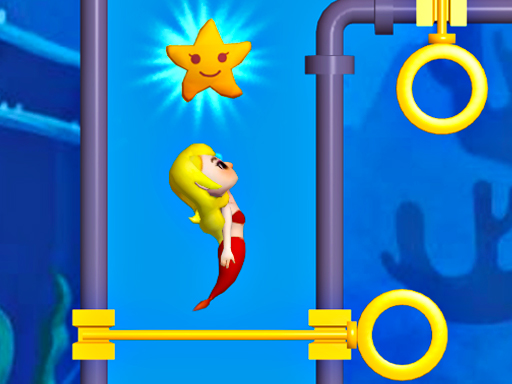
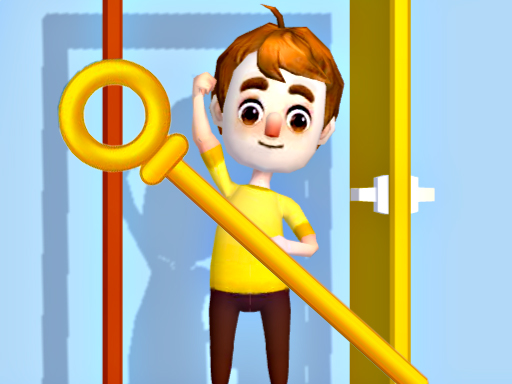
Pull the Pin Rescue is a rescue game that you need to pull out the pin in the right order and rescue a trapped guy. Once failed the young guy will be dangerous. Choose Start above to open the game, then follow the controls and rules shown inside its own menu. Exact inputs can vary by device and game version.
In Pull the Pin Rescue, read the current objective and identify which choices can still be reversed. Compare the effect of one move before committing to a longer sequence.
Controls
Tap and slide to move
Tips & strategies
Understand the current objective
Read the rule shown for the current board before making your first move. Identify the target, the available actions, and any constraint that makes a move irreversible. Compare a short sequence of possible outcomes rather than selecting a piece simply because it is nearby. Different logic games can share similar artwork while using different rules, so let this game’s own instructions determine your approach.
A useful next attempt
Change one part of your plan at a time. If an attempt fails, notice the first move that removed a useful option and try a different order. Keeping track of a specific cause is more helpful than repeating the same actions faster.
In Pull the Pin Rescue, read the current objective and identify which choices can still be reversed. Compare the effect of one move before committing to a longer sequence. Treat each attempt as a small discovery. Notice the question, route, or pattern that surprised you, then use that observation on the next attempt.
Playing in your browser
If the provider takes longer to respond, use Try again to open a fresh game frame. This can reset the current session. Fullscreen expands the game area when supported. Your recent launch is recorded locally; the site does not read or restore game progress.