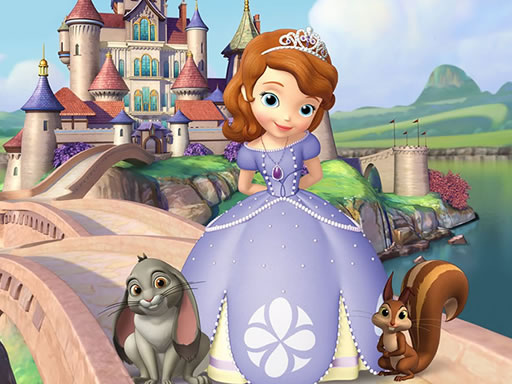
How to play Famous Princesses Memory
Famous Princesses Memory is a unique and fun games. you can know and improve your memory skills through this game. Choose Start above to open the game, then follow the controls and rules shown inside its own menu. Exact inputs can vary by device and game version.
In Famous Princesses Memory, connect each revealed item to its position or place in the sequence. Use a consistent scanning order to reduce repeated guesses.
Controls
Use your mouse to play the game or tap on the screen
Tips & strategies
Remember positions and order
Give the information a structure before trying to repeat it. For a sequence, small groups and a short imagined story can preserve order. For a board, pair each image with a location such as an upper corner or the center of a row. Simply remembering that an image appeared is less useful than remembering where it appeared. When two tasks share the screen, establish a scan order so one panel does not absorb all your attention.
A useful next attempt
After a reveal, take a moment to update your mental map. Make a known match before opening unrelated information when the rules allow it. If you make a mistake, note whether you lost the symbol, the location, or the sequence; each calls for a different adjustment.
In Famous Princesses Memory, connect each revealed item to its position or place in the sequence. Use a consistent scanning order to reduce repeated guesses. Treat each attempt as a small discovery. Notice the question, route, or pattern that surprised you, then use that observation on the next attempt.
Playing in your browser
If the provider takes longer to respond, use Try again to open a fresh game frame. This can reset the current session. Fullscreen expands the game area when supported. Your recent launch is recorded locally; the site does not read or restore game progress.